
The short answer
Keep a paid preorder in Awaiting Delivery until it arrives. Save the payment confirmation, seller’s original estimate and source link, then set a personal date to check for updates. Mark that date as your own checkpoint so it cannot be mistaken for a promised delivery date.
Separate what you paid from what you are waiting for
An order you have paid in full has no remaining item payment. Its next action is to check progress or receive the parcel. Keep any separately charged shipping or other unsettled cost explicit in your notes.
An unpaid full-price preorder is different: the full price is still a payment you need to make. Only mark the item as paid after you have actually completed payment. For a deposit-and-balance order, see how to keep track of the remaining balance.
An example: paid in March, estimated for Q3
Suppose you pay $180 for a BJD outfit in March and the maker estimates “Q3.” Save the payment confirmation and the announcement exactly as written. Set a personal check-back reminder for June 30, near the end of Q2, with a note such as “Check the maker’s page for a more specific update.”
The reminder means it is time for you to look for news. It does not mean the maker owes delivery on June 30. This is an example of a personal follow-up plan, not a confirmed seller schedule.
Keep three dates with their meaning
Keep the date you paid, the latest completion or shipping window the seller has given, and your next personal check-back date. When the seller only gives a quarter or month, preserve that wording in a note instead of inventing an exact promise.
What should I do when the reminder arrives?
Open the saved announcement, shop page or social profile. Save any new estimate and its source, then update your next reminder. If there is no news, choose another reasonable date to check, or contact the seller through the original order channel.
When the item ships, save the tracking information and keep it in Awaiting Delivery. Archive it after you have received it. Payment, shipment and receipt are separate events.
How DuePair helps
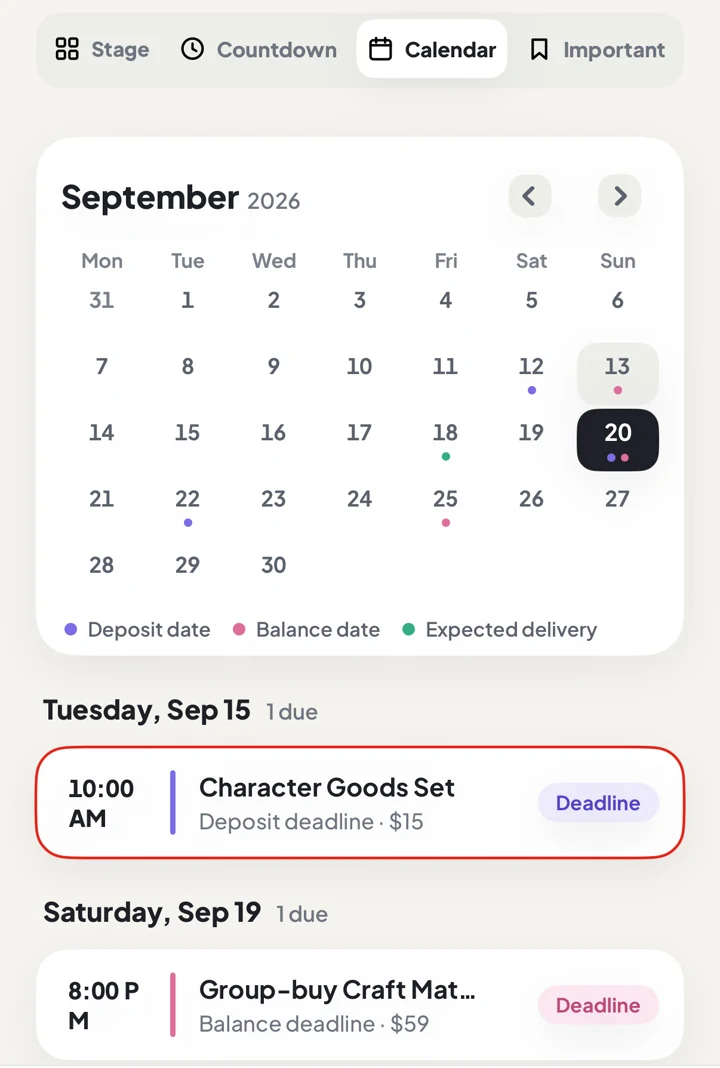
DuePair keeps the shop, screenshots, links, notes and confirmed dates with the order on your iPhone. Use its delivery reminder for your next check-back date and note that it is a personal checkpoint if the seller has not confirmed a delivery date.
You still need to open the seller’s page and update the record yourself. DuePair does not fetch social-media announcements or know how far production has progressed. The FAQ explains its reminder and local-data features.
What a tracking tool cannot solve
DuePair does not crawl seller profiles, predict completion or decide whether a seller is in breach. Delays, refunds and delivery disputes belong to the transaction and must be handled under its terms with the seller or platform.